Learn the method. Check your work.
AutoTherm pairs automated tools with built-in resource topics for heat transfer, fluid mechanics and thermodynamics, so you can study the theory, work real problems and check every answer against established methods.
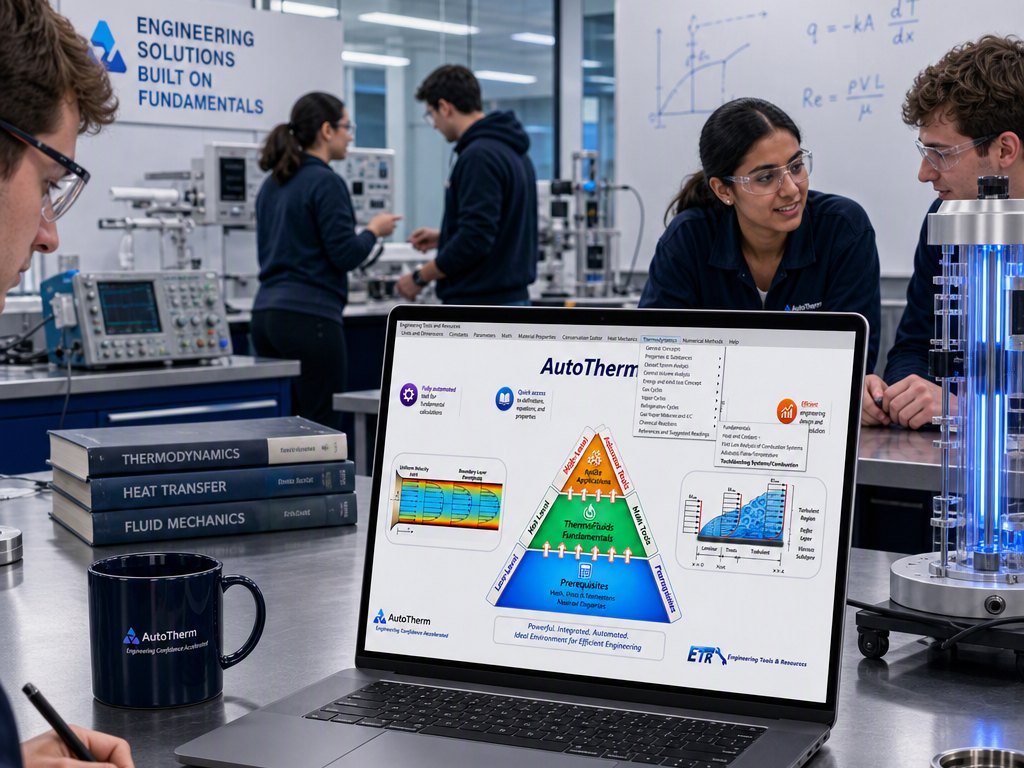
Built to strengthen the fundamentals, not skip them.
A tool that hands out answers can undermine a course. AutoTherm is built the other way around: you still choose the method and set up the problem, and the resource topics explain the theory behind every tool. It removes the table lookups and arithmetic slips, not the thinking.
Study the theory
Resource topics define the concepts, equations and properties behind each tool, referenced to established engineering texts.
Work the problem
Set up your own problem, choose the tool and enter what you know. AutoTherm handles the property lookups, interpolation and unit conversions.
Check and explore
Compare the result with your own solution, then change an input and see how the answer responds. That's where engineering intuition comes from.
Three core courses, one place to study them.
Heat transfer, fluid mechanics and thermodynamics are usually taught as separate courses. AutoTherm brings them together, with new tools added regularly.
Heat Transfer
- Conduction
- Convection
- Fins and heat sinks
- Tube banks
- Heat exchangers
Fluid Mechanics
- Fluid statics
- Momentum
- Pipe systems
- External flows and drag
Thermodynamics
- First and second law
- Cycles
- Psychrometry
- Air conditioning
- Combustion
Math, units and dimensions, and material properties are built in too: the foundation every other calculation depends on, and a quick refresher whenever you need one.
Watch it work before you sign up.
This walkthrough covers AutoTherm's material property data: where it comes from and how every other calculation uses it.
Browse all walkthroughs →Material Properties Database in AutoTherm
Built to support your classroom, not compete with it.
Use it alongside your course
If you teach thermofluids and want your students working from cited sources instead of a black box, AutoTherm supports what you already do. Solve real problems live in class, and let students check their work afterward.
Help shape it, with credit
Suggestions, feedback and contributions from faculty are genuinely welcome. Where they shape the product, we'll credit your name and university. AutoTherm is meant to grow with input from the people who teach this material.
Teaching heat transfer, fluid mechanics or thermodynamics? We'd love to hear from you.
Talk to us about classroom adoptionStart learning on a real engineering tool.
Get early access to AutoTherm and see the current student offer.